
Media kit
ClipTurn media
ClipTurn provides physical, verifiable video rotation on Windows 11 and Windows 10. Download the official logos, artwork and product screenshots below, or open the promo and tutorial videos on YouTube.
Software directories can also use the ClipTurn PAD file (XML).
Brand assets
Official logos and artwork.
Keep every asset in proportion. Use the named light or dark variant, leave clear space around the mark, and use the monochrome mark below 24 pixels.





















Store poster
Portrait artwork in the two Microsoft Store upload sizes.
Colour palette
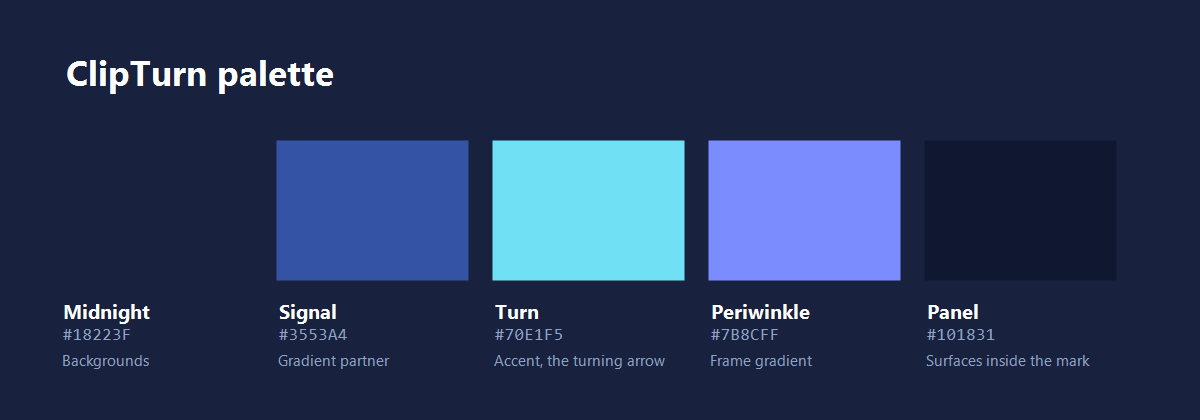
Midnight, Signal, Turn, Periwinkle and Panel—the five ClipTurn brand colours.
Screenshots
ClipTurn on Windows 11 (and 10).
Open any image at full size or download the original PNG.
Explorer rotation
Right-click a video in File Explorer, rotate it, and watch the thumbnail refresh.
Download PNG · 1920 × 1080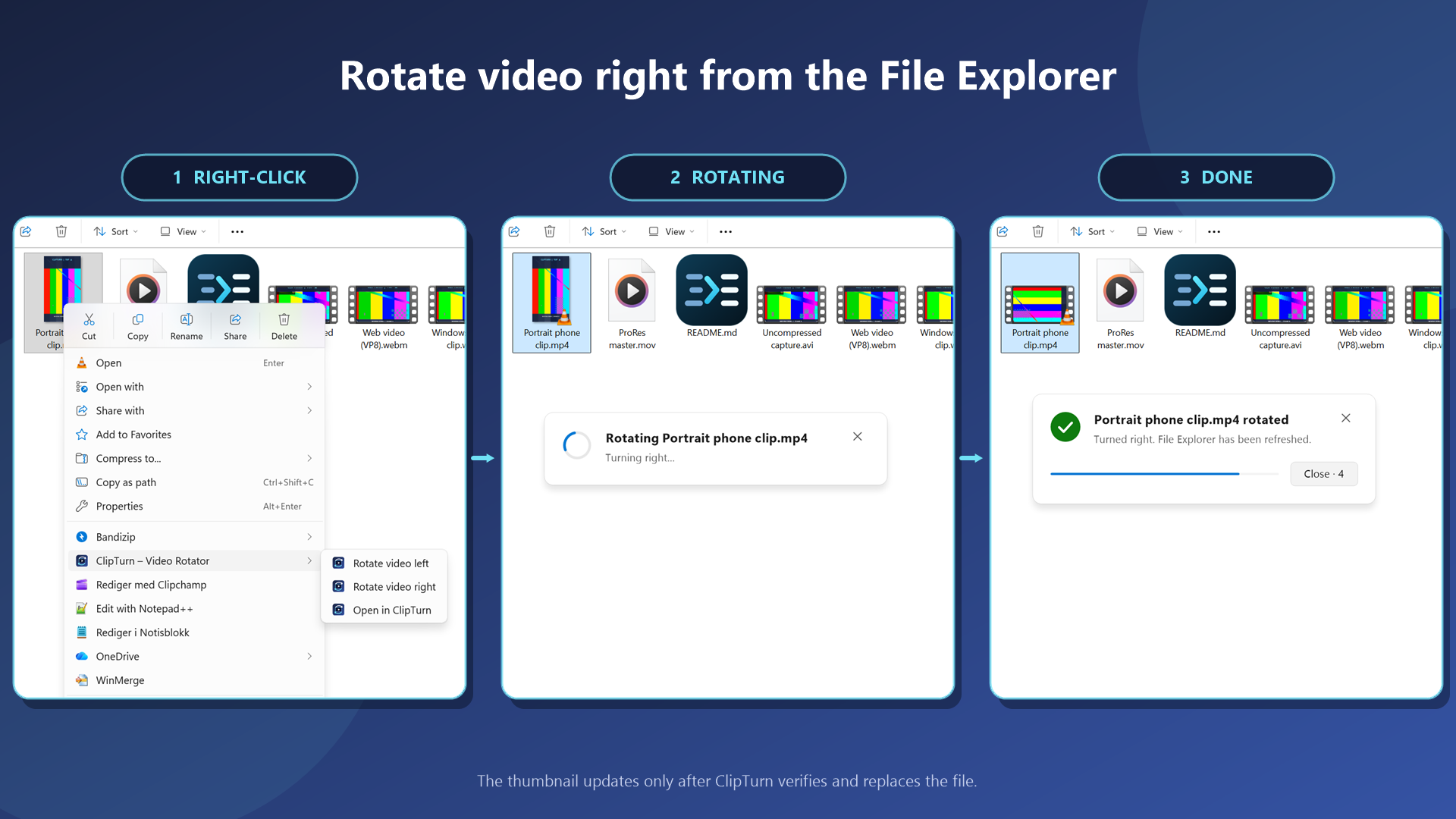
Rotate one video
Preview a turn and save only after ClipTurn verifies the result.
Download PNG · 1452 × 1401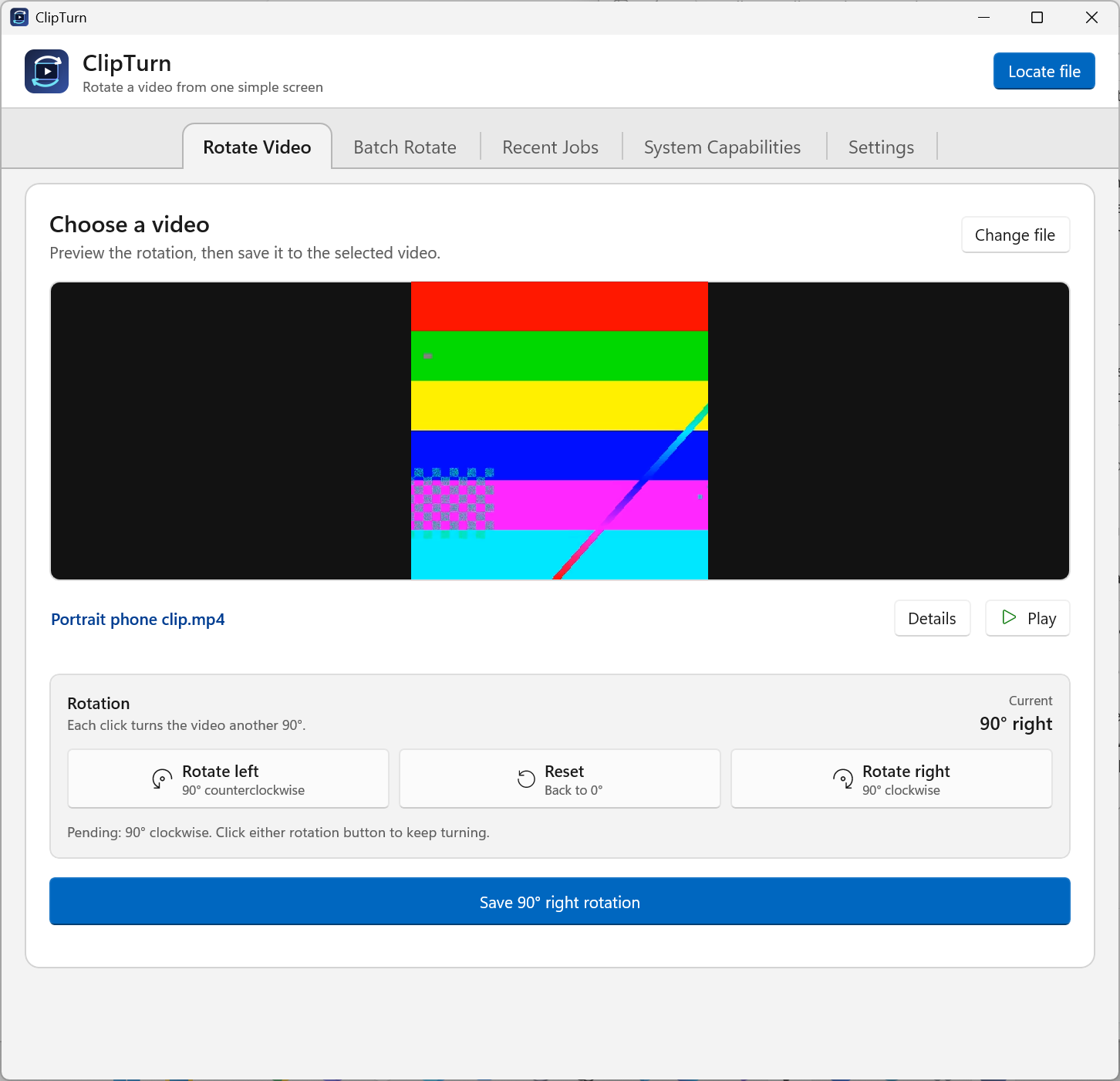
Rotate one video · Dark mode
Preview a turn and save only after ClipTurn verifies the result. Shown in dark mode.
Download PNG · 1452 × 1401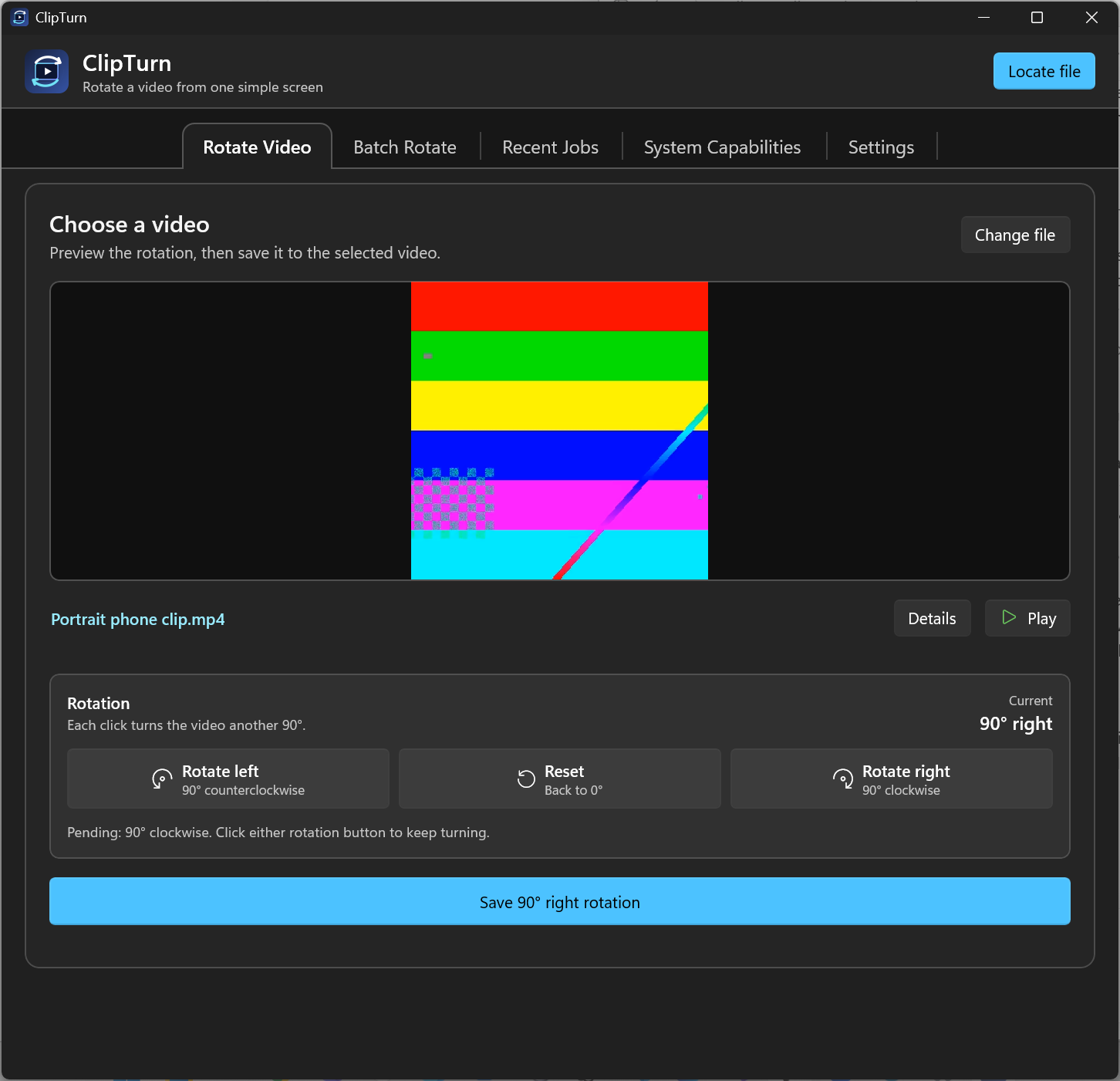
Batch rotation
Rotate mixed video formats together and pause conversions for explicit review.
Download PNG · 1452 × 1401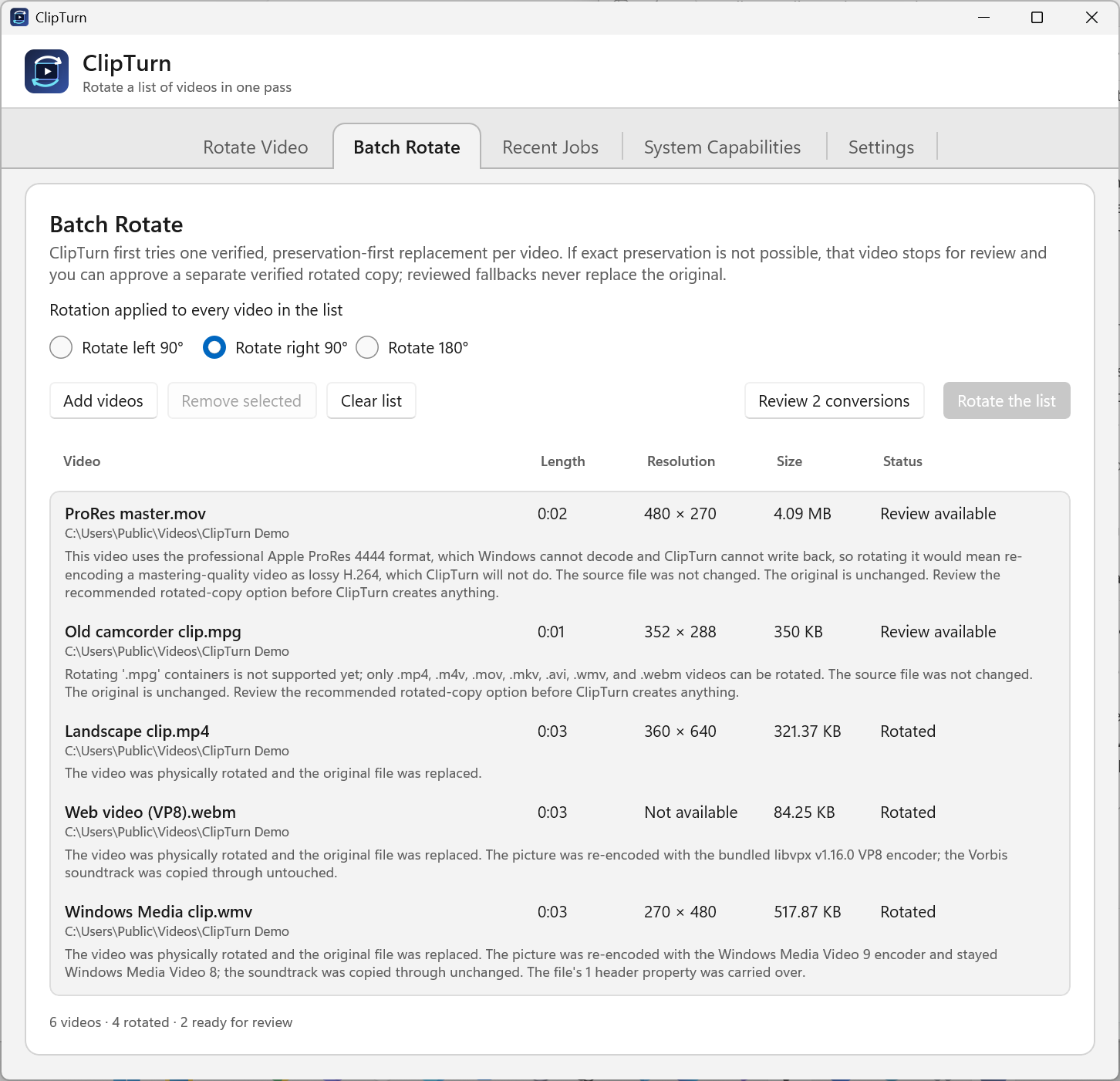
Recent Jobs
Review verified rotations and separately created copies in Recent Jobs.
Download PNG · 1452 × 1401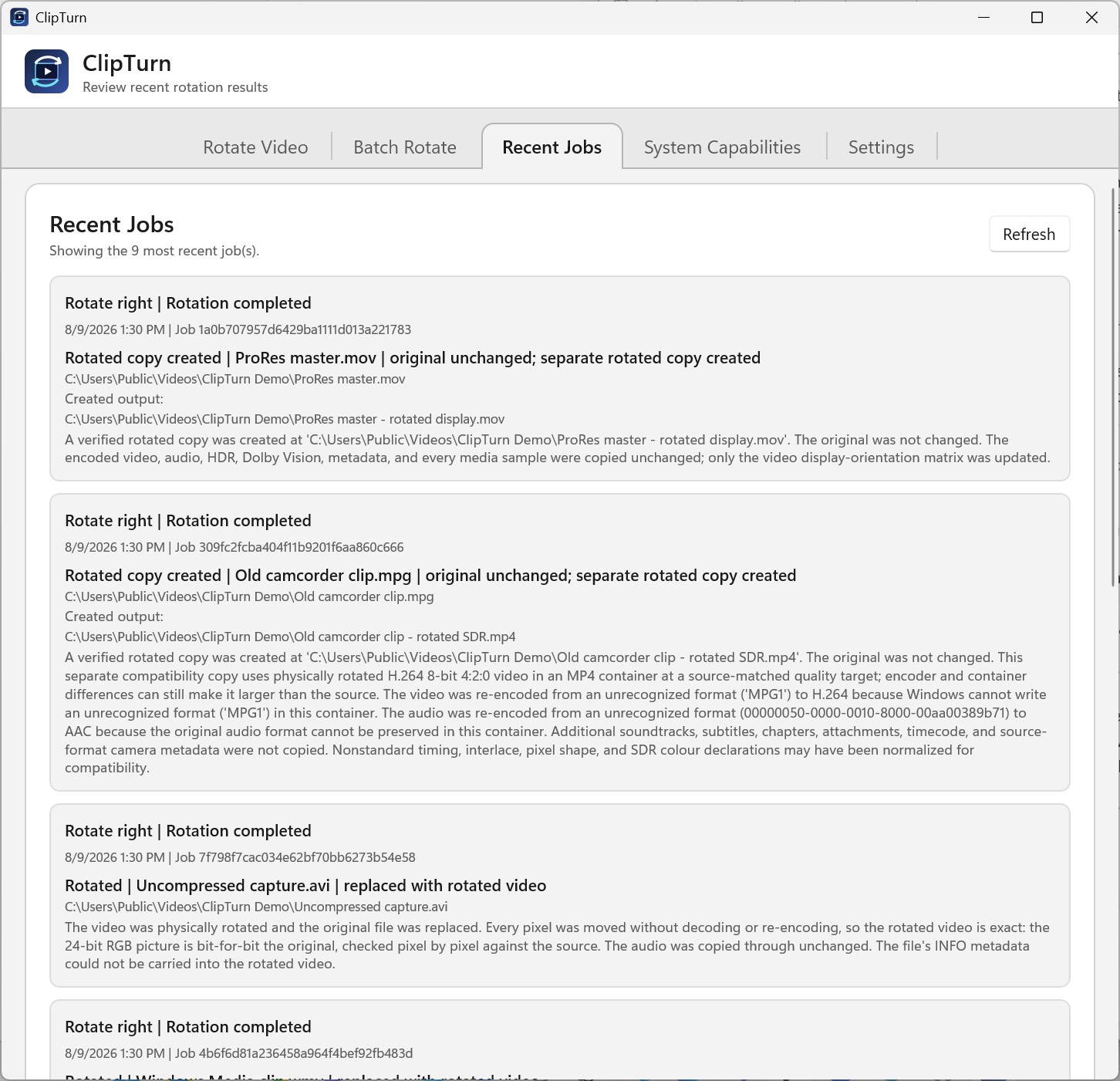
System Capabilities
See the decode and encode paths available on this PC.
Download PNG · 1452 × 1401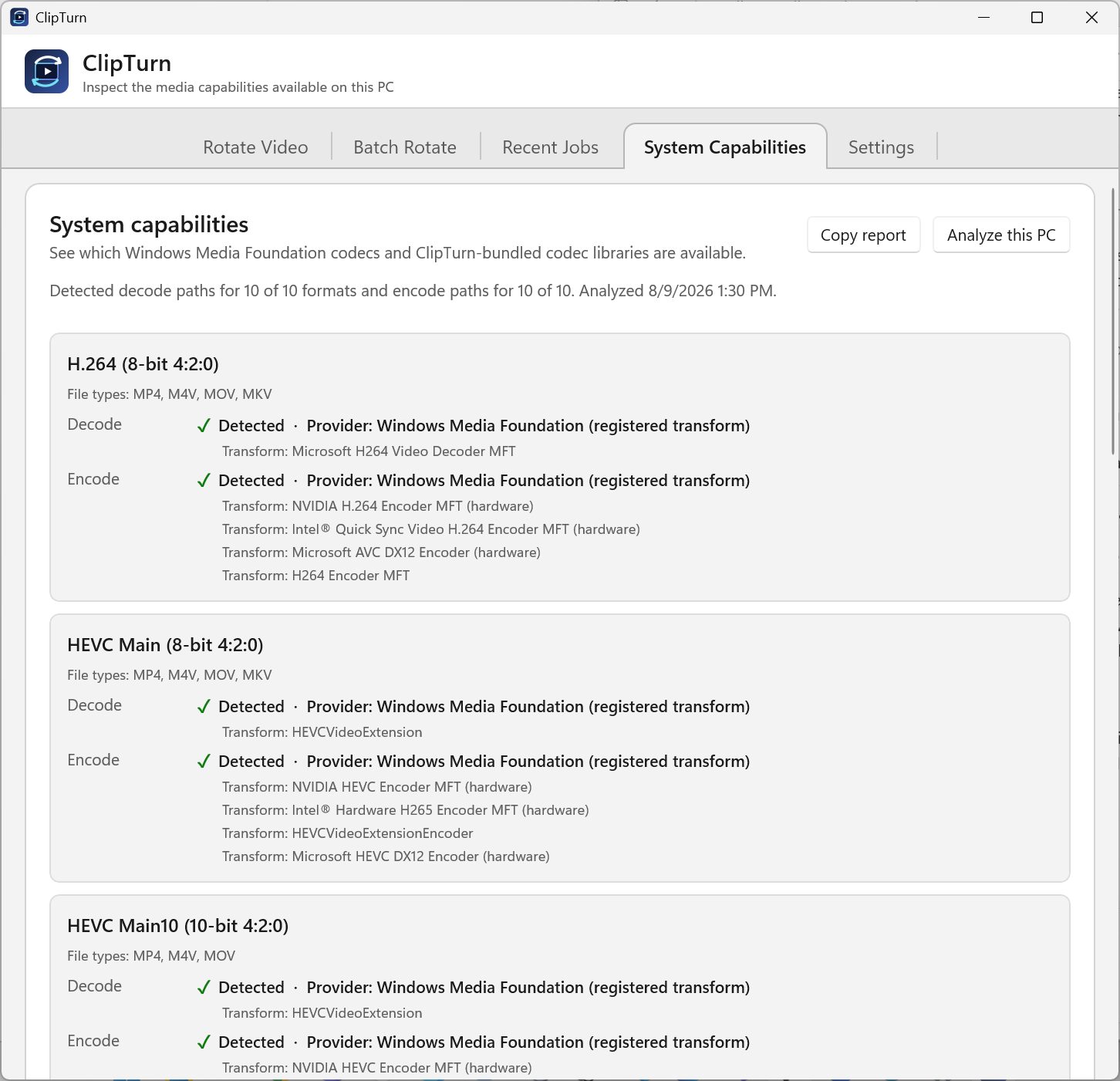
Settings
Configure codec and quality policy, replacement safety and backups, timestamp preservation, and concurrency.
Download PNG · 1452 × 1401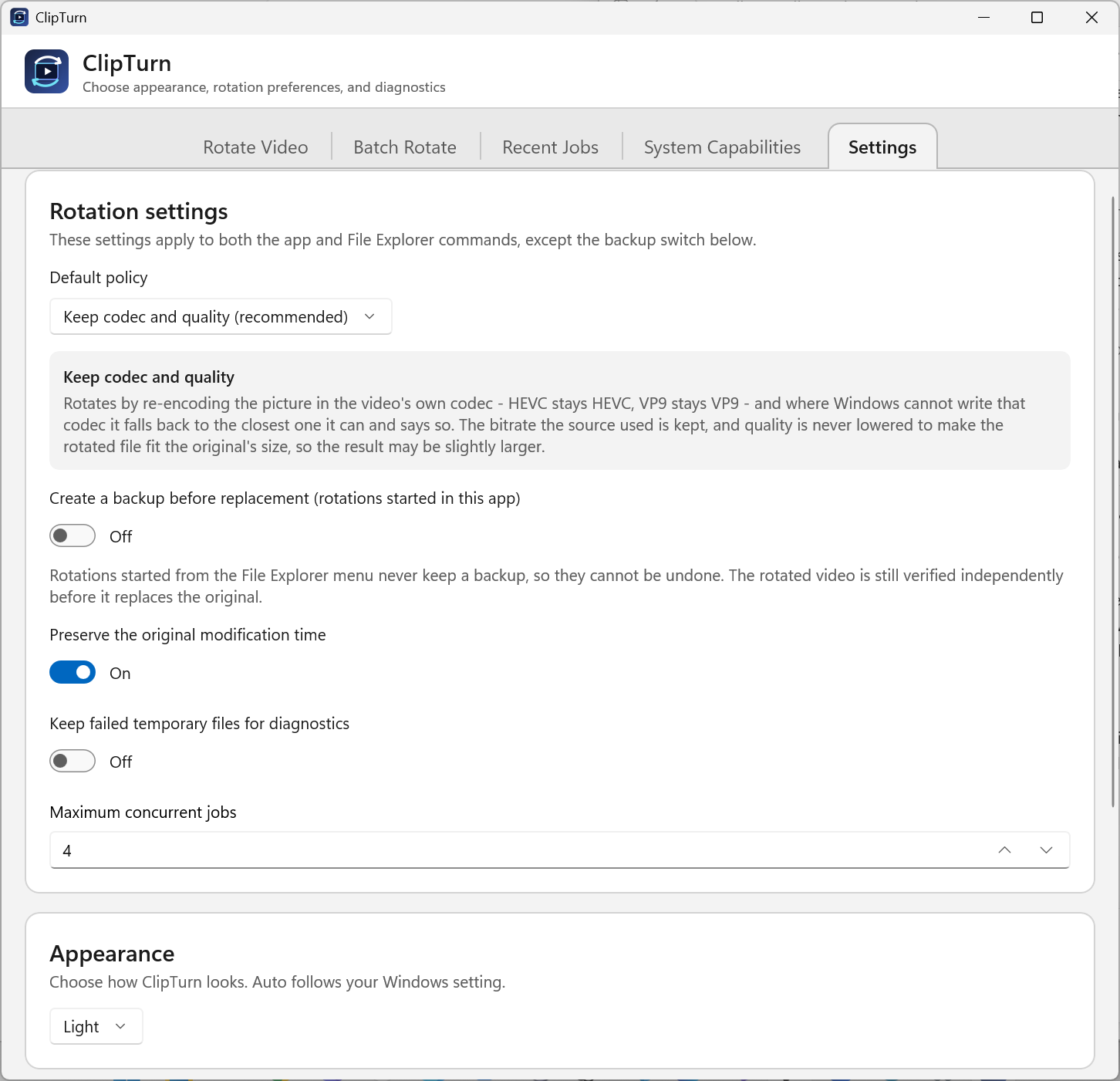
File details
Inspect exact media facts and the verification receipt for the current file.
Download PNG · 1452 × 1401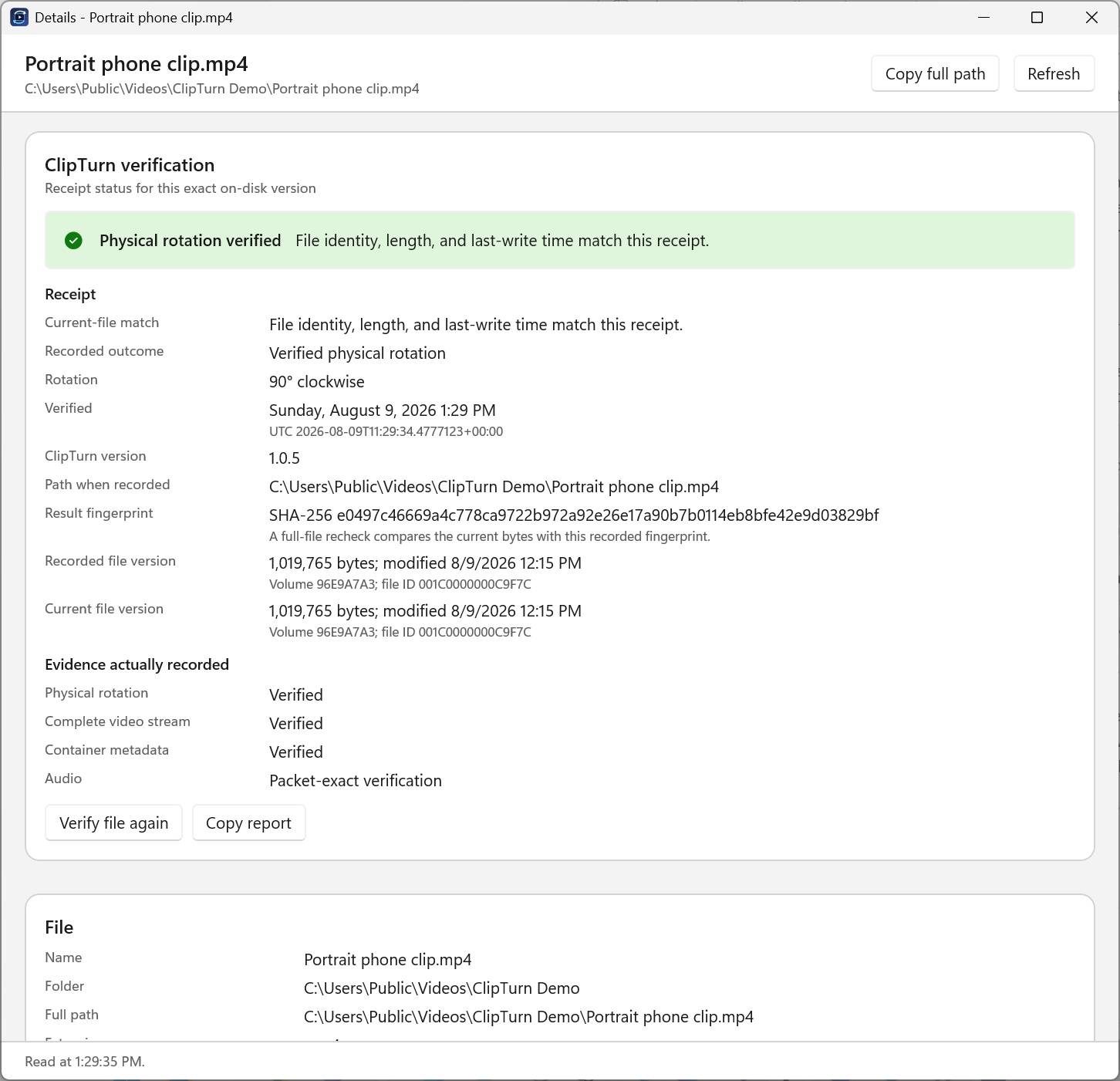
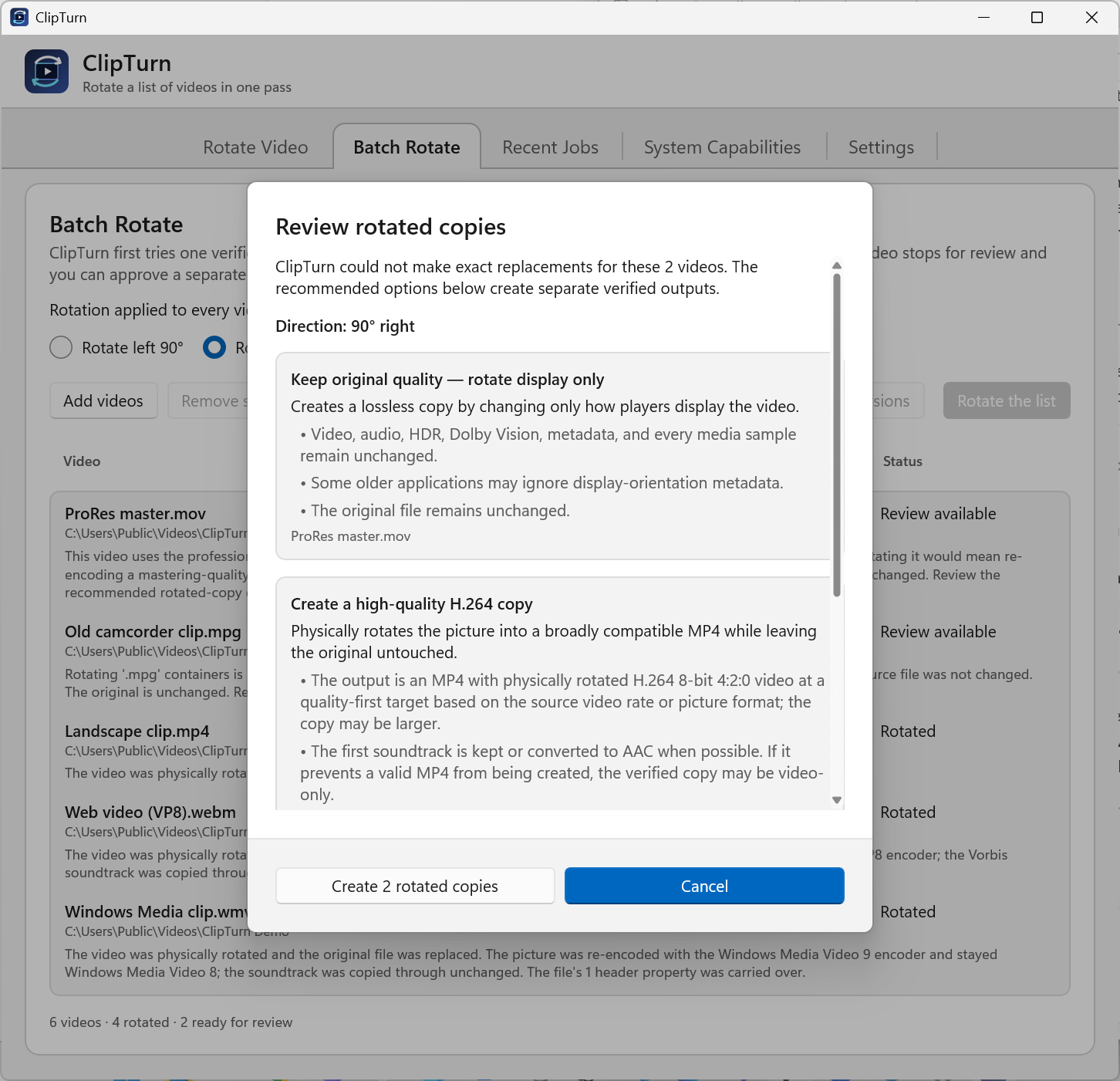
Reviewed copies
Review exact copy changes before creating verified outputs beside unchanged originals.
Download PNG · 1452 × 1401